Awesome DroidSome

Awesome DroidSome
The Home Of Premium Apps And Games For Android OS For Free!

Wednesday, 13 August 2014

Root Uninstaller Pro

Root Uninstaller Pro


Don't like stock or system applications? It's for you. This application can freeze pre-installed applications on your phone and more.
Very fast and simple uninstaller tool on single click for uninstalling both SYSTEM and REGULAR applications.

NEW: Hide app mode: Launch a frozen app and automatically re-freeze on app closing (Pro only) 

For ROOT+NAND unlocked devices:

  • Uninstall system applications
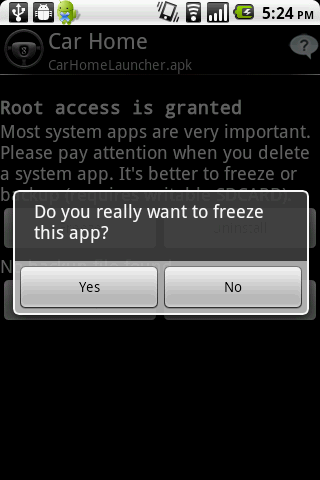
  • Freeze or disable bloatware, stock and regular applications (keep updates)
  • Defrost or enable applications (Free trial or PRO)
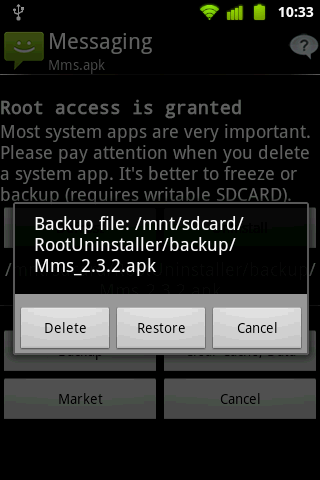
  • Backup system application .apk to sdcard (that can reinstall later)
  • Restore backed up applications
  • Reset applications to fresh install state
  • Delete definitively system applications
  • Hide my App: launch a frozen app and automatically re-freeze on app closing (Pro only, tap on Launch->Freeze button )

For NON-ROOT devices:

  • Quick APK list to show all available .APK files on SDCard
  • Keep Market reference and can restore after factory reset/change devices
  • Manage to clear data, cache (manually)
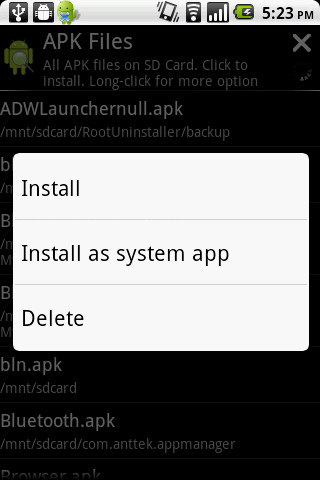
  • Manage .apk files: delete, install, install as a system app (PRO)
  • Single click to uninstall a listed applications (Batch uninstall).
  • Rapid load application list
  • Display application name, icon, package name
  • Exclude system applications (that you can not uninstall)
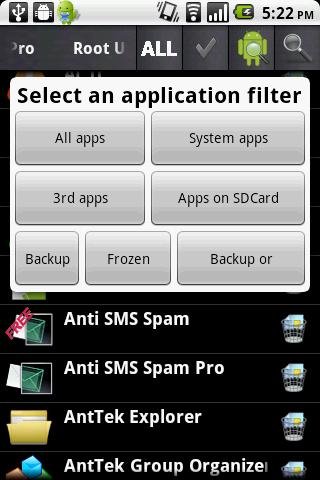
  • Filter by third-party applications, system applications, applications on sdcard. backup applications or frozen applications
  • Support large screen (ex. tablet) views
What's in this version: (Updated : Aug 11, 2014)

  • Fixed KitKat issue
  • Update language packs
  • Fixed minor bugs
Required Android O/S : 2.0.1+

Screenshots :


Download : 1.4Mb APK

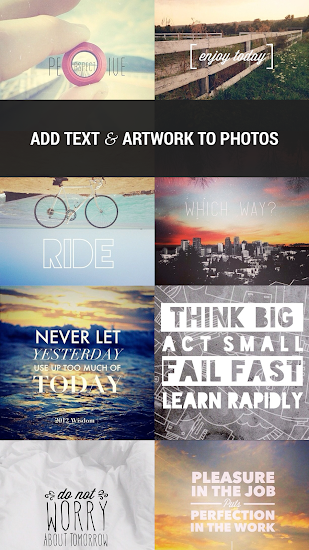
Over : Add Text And Artwork To Your Photo

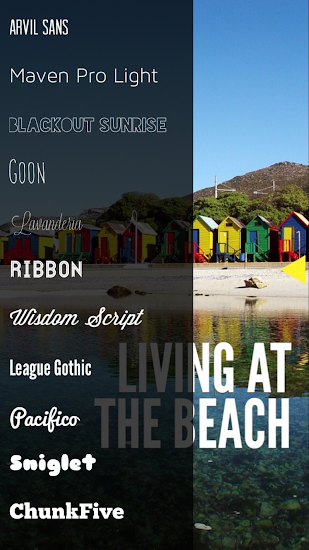
  OverDesigned with mobile creatives in mind, Over features standard and custom-made fonts and well-crafted artwork combined with a sleek design, easy-to-use functionality, and immediate sharing ability.

Features:
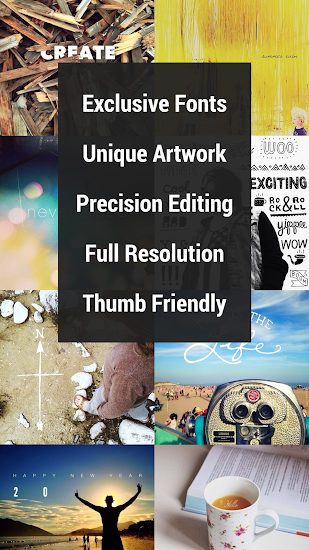
  • EXCLUSIVE FONTS & ARTWORK: Over features unique, beautiful fonts and original, eye-catching artwork from a variety of artists for you to add to your pictures.
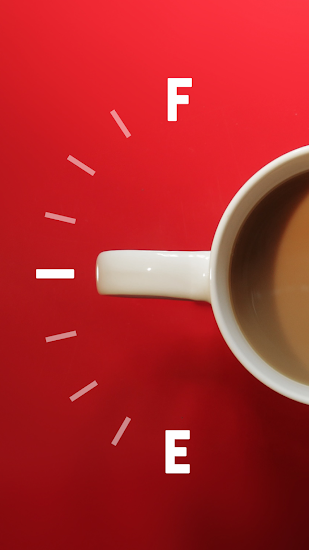
  • MAKE SOMETHING AWESOME: In Over, you’ll be able to discover artwork perfect for outdoor adventures, add handcrafted icons for any occasion, design with geometric font awesomeness, say “Happy Birthday” in style, present challenging and inspirational words, and much more.
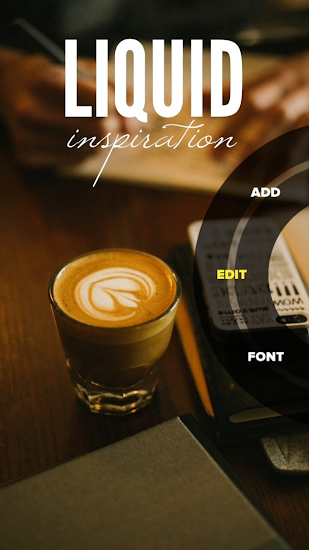
  • EDITING: In Over you can nudge, size, rotate, fade, copy, and center your artwork and text, tint and crop your photos, and stretch your text. Pick from among plenty of color choices to make the text or artwork pop, or blend in.
  • SHARING: When you’re finished with your picture you can share it directly via email, text message, Twitter, Facebook, Instagram and more.
  • SUPERB CUSTOMER SERVICE: If you run into an issue with Over, simply shoot us a message from within the app. We’ll work with you to resolve quickly any problems that you have.
  • STORE: Our in-app store showcases several exclusive art and font packs for purchase.
  • FUN: Over is fun. It allows you to express your creativity on the go.
  • COMMUNITY: You can check out our community of mobile creatives at the @over Instagram account and, we hope, be inspired by what others are making with the app. Search Instagram for #bestofOver and #madewithOver too.
What's in this version : (Updated : Aug 12, 2014)
  • stability improvements
  • interface improvements
  • back button improvements
  • Roboto font now standard
  • Please continue to leave fantastic reviews - we read and appreciate every one. Please contact us directly if you have any questions or issues. We will respond quickly.
Required Android O/S : 4.0+

Screenshots :
Over - screenshotOver - screenshot

Download : 14Mb APK

Search This Blog